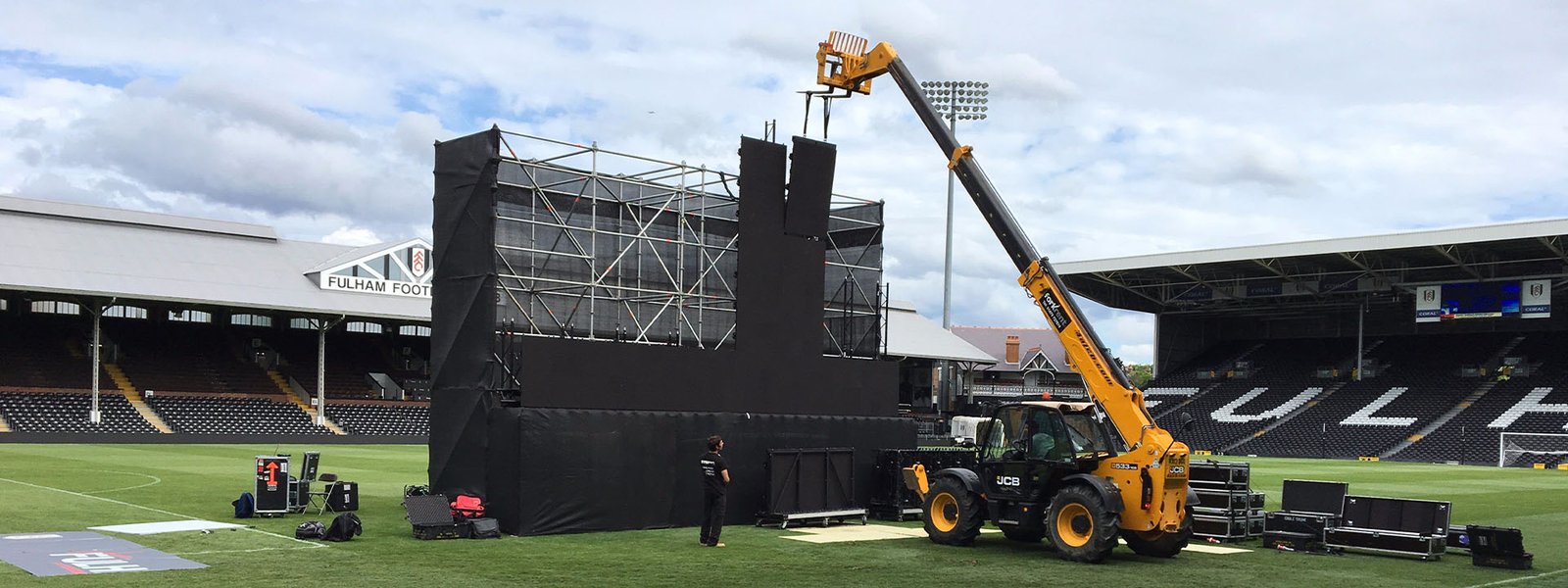
LED Display Installation Guide
A comprehensive step-by-step guide to installing your LED display — from site assessment and mounting to wiring, calibration, and final testing. Whether you’re a first-time installer or a seasoned professional, this guide covers everything you need to know.
LED Display Installation Guide — Step by Step
From site assessment to final calibration — follow this comprehensive guide to ensure your LED display is installed safely, efficiently, and with optimal visual performance. Each step includes key considerations and best practices.
Site Assessment & Preparation
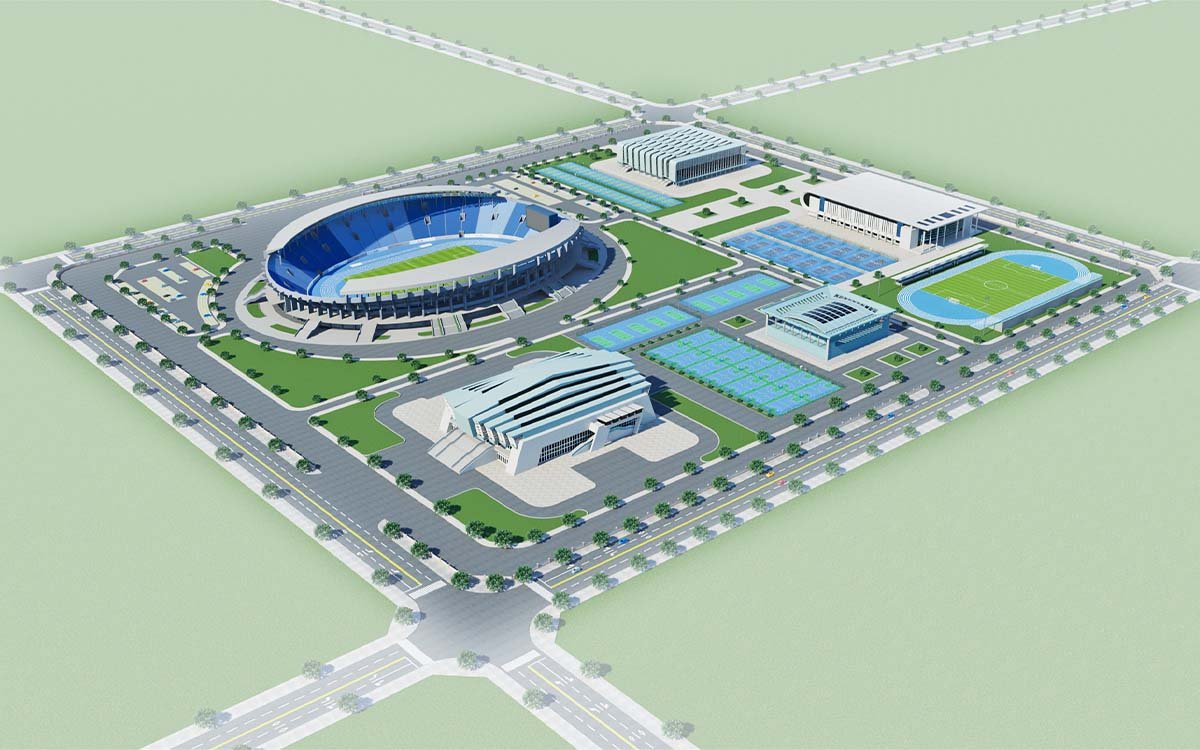
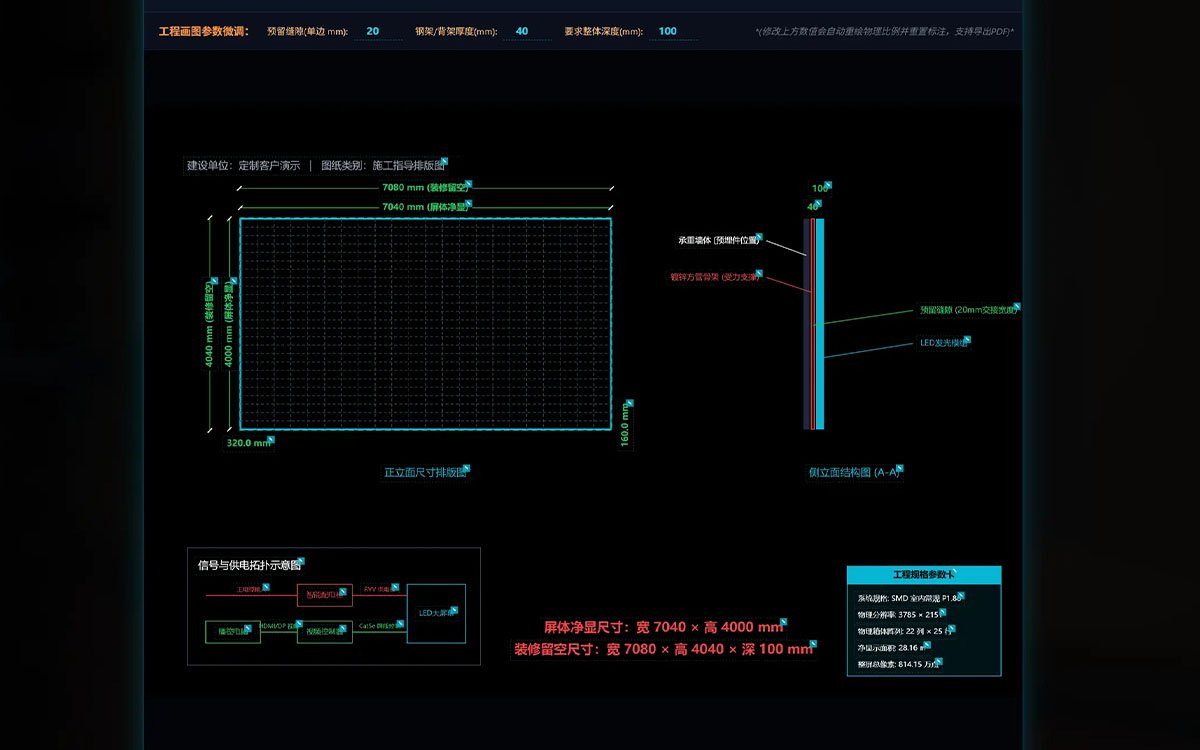
Begin with a thorough site survey — measure available space, evaluate wall or structural load capacity, verify power availability, and assess environmental factors like temperature, humidity, and ambient light. Create detailed CAD drawings that map the exact display layout, mounting points, and cable routing paths before any equipment arrives on-site.
Structural Mounting & Rigging
Install mounting brackets, wall plates, or rigging systems according to the approved CAD design. Ensure all anchors are properly torqued and structural supports are level and plumb. For outdoor installations, verify that the mounting system is corrosion-resistant and rated for wind loads and seismic activity as required by local building codes.
Power Distribution & Wiring
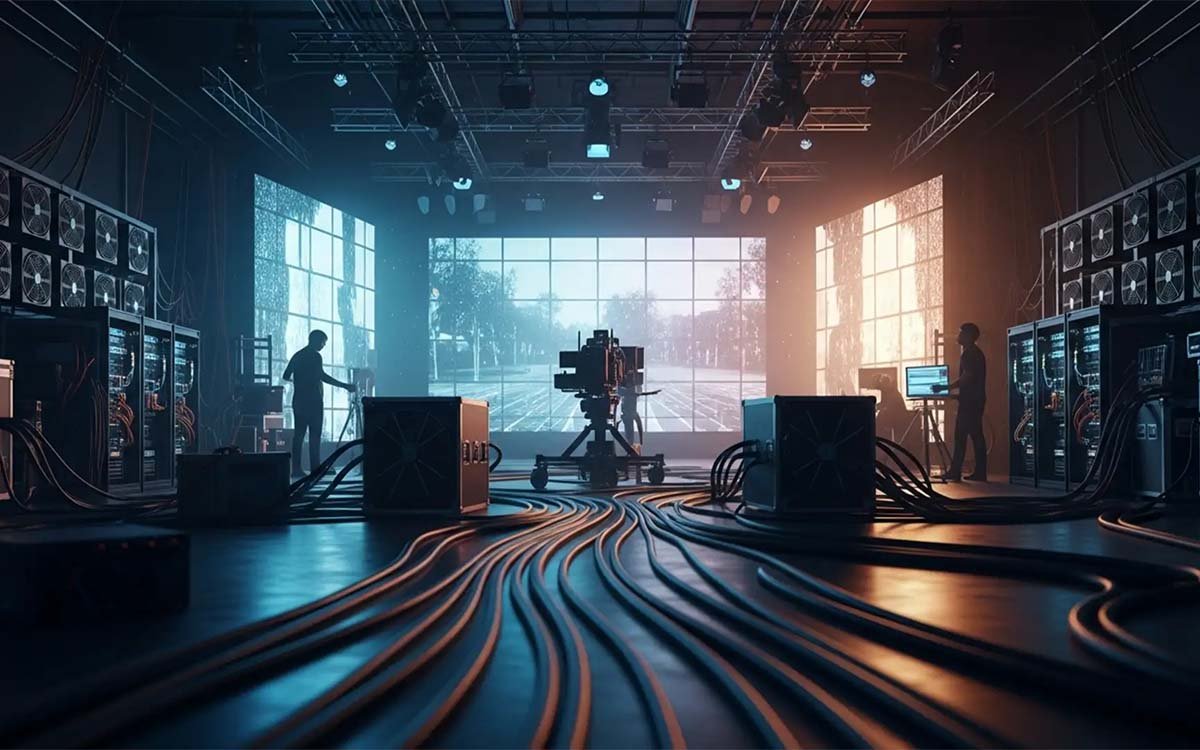
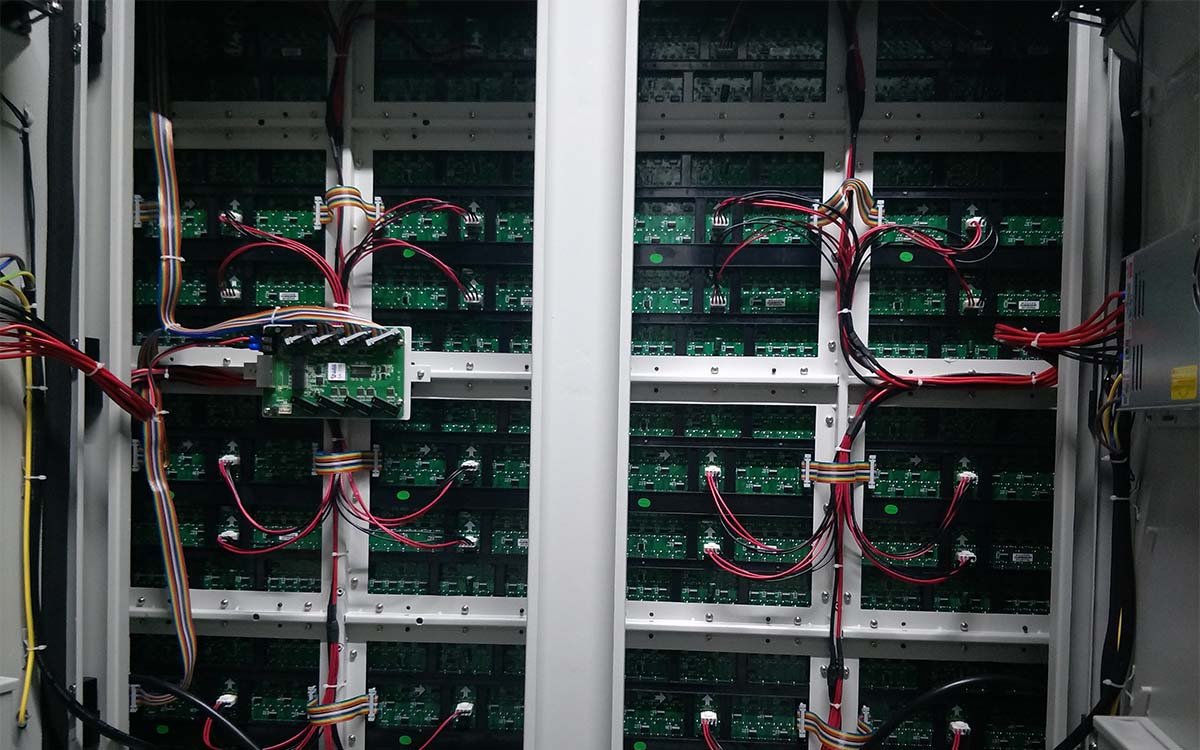
Run dedicated power feeders from the main distribution panel to each cabinet location. Use appropriately sized cables and circuit breakers based on the total power consumption (typically 200–400W per cabinet). Follow local electrical codes for grounding, conduit requirements, and cable tray routing. Label all conductors clearly for future maintenance.
Signal Routing & Synchronization
Install CAT6/7 network cables, fiber optic links, or SDI lines for video signal distribution. Connect receiving cards to the main processor and verify frame-accurate synchronization across all cabinets. For multi-cabinet installations, ensure that the signal path is daisy-chained correctly with appropriate signal boosters or repeaters for long-distance runs. Test all connections before powering up.
Calibration & Quality Assurance
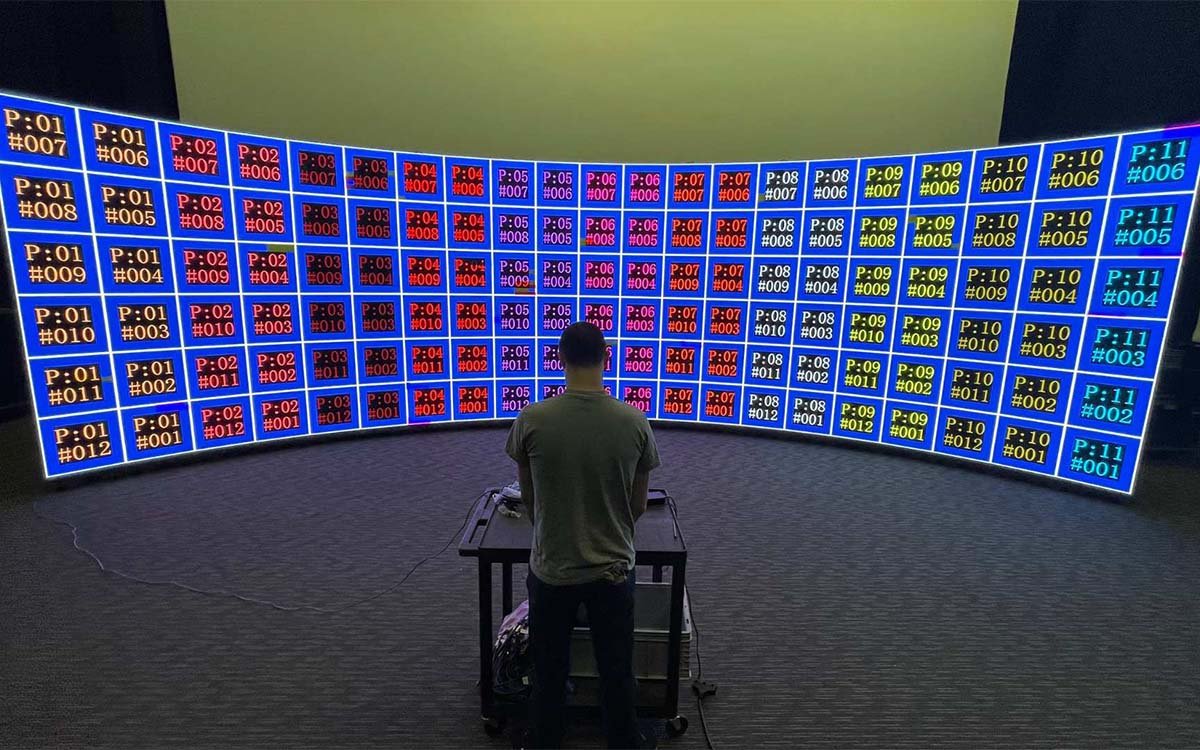
Power on the system and perform full calibration — adjust color temperature (6500K standard), brightness uniformity, and gray scale gradients using a calibration camera or manual tuning. Run a series of test patterns to identify any dead pixels, color shifts, or refresh rate anomalies. Document calibration settings and final performance metrics for the client handover package.
Maintenance & Troubleshooting
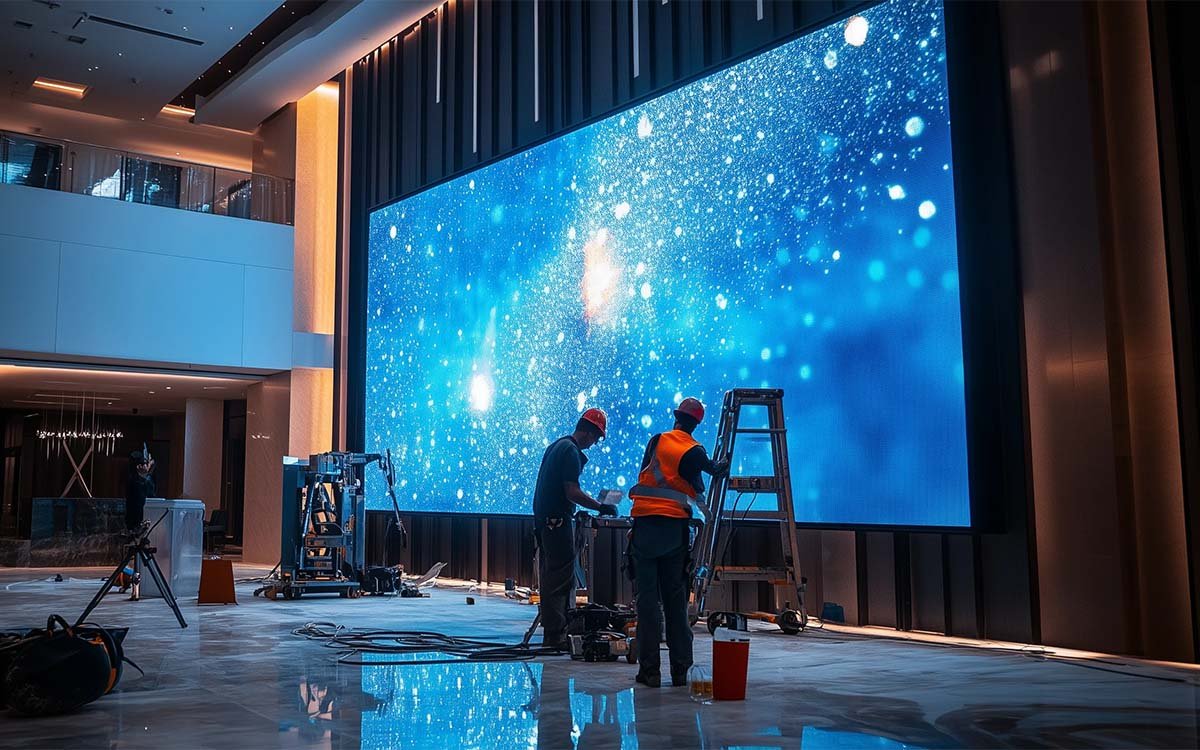
Establish a routine maintenance schedule — periodic cleaning, calibration checks (recommended annually), and thermal monitoring. Train on-site staff on basic troubleshooting: module replacement, firmware updates, and remote diagnostics. Keep a log of all maintenance activities and spare parts inventory to minimize downtime. Our support team offers 24/7 remote assistance for critical issues.
Professional Installation Process
From site assessment to final calibration — follow our comprehensive installation guide for LED displays. Learn the essential steps, technical requirements, and best practices to ensure a successful, long-lasting installation.
Free consultation · On-site service available · 24/7 support
Common Questions about LED Display Installation Guide
Get answers to the most frequently asked questions about LED display installation — from site preparation and mounting to wiring, calibration, and ongoing maintenance.
Ready to Install Your LED Display?
Our certified installation team provides turnkey LED display installation services — from site assessment and structural mounting to calibration and operator training. Get a free installation quote within 48 hours.